
Features
Everything you need to secure and share important information.
Everything you need
Core features provide everything you need in a clear and simple way.

Clean, simple dashboard
Everything at a glance. Your dashboard shows you exactly what matters: your vaults, key holders, and settings.
- Clear account usage information for vaults, documents, key holders, and passkeys
- Easy access to all your vaults
- Easy access to manage your key holders

Check-in reminders
Check-in reminders prompt you to log in periodically, ensuring your information stays up to date and your account remains active.
- Set your own reminder frequency
- Disable reminders if you prefer
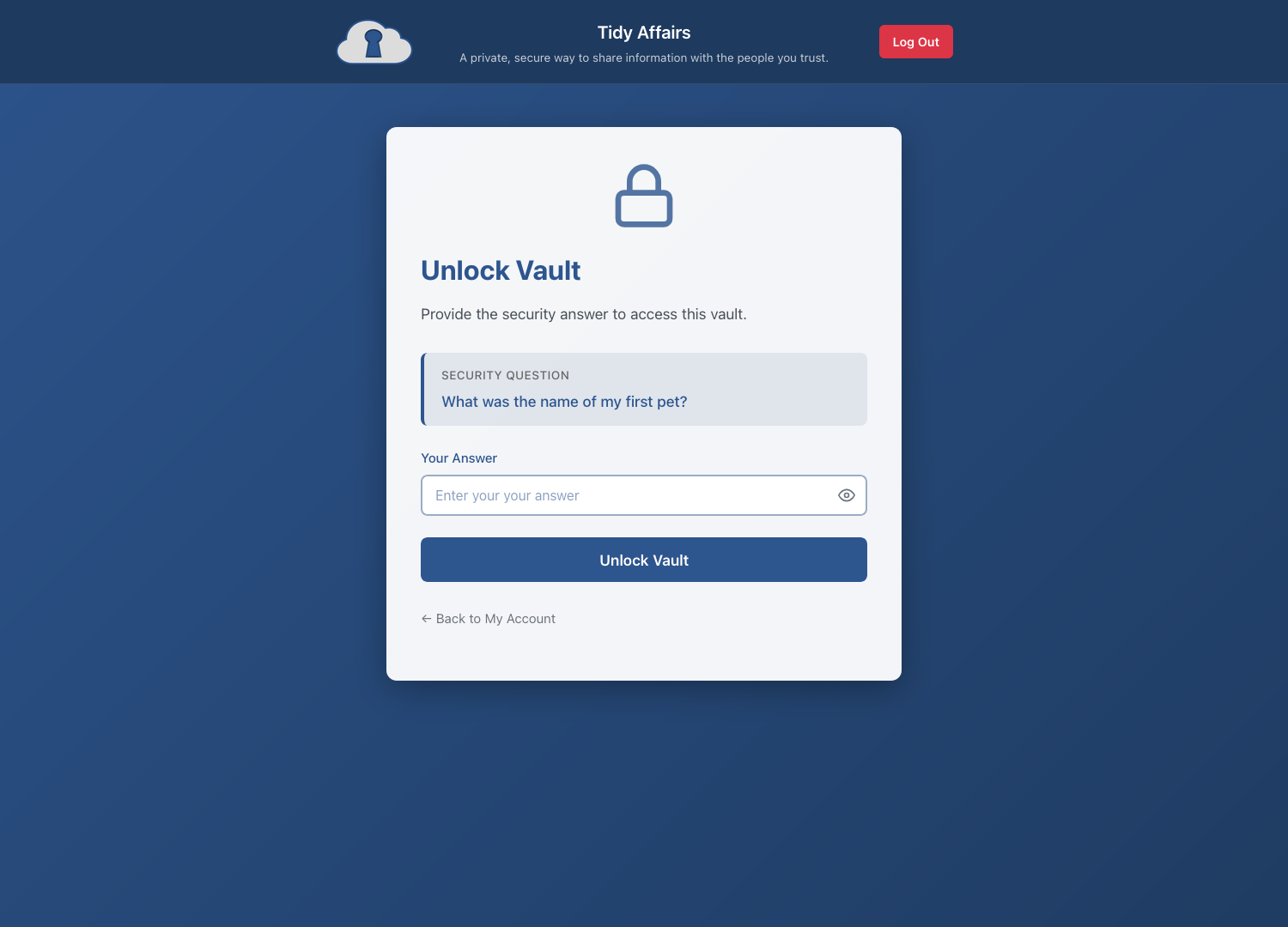
Secure vault access
Every vault is protected by a security question. Make sure your key holders know the answer — we aren’t able to tell them what it is.
- Use different security questions for each vault
- Answers are irreversibly hashed before being saved

Inside your vault
Each vault holds your end-to-end encrypted documents, organised however you choose. Add documents, update them as life changes, and control exactly who can access what.
- Create documents with the built-in editor
- Manage which key holders have access
- Enable the two-person rule
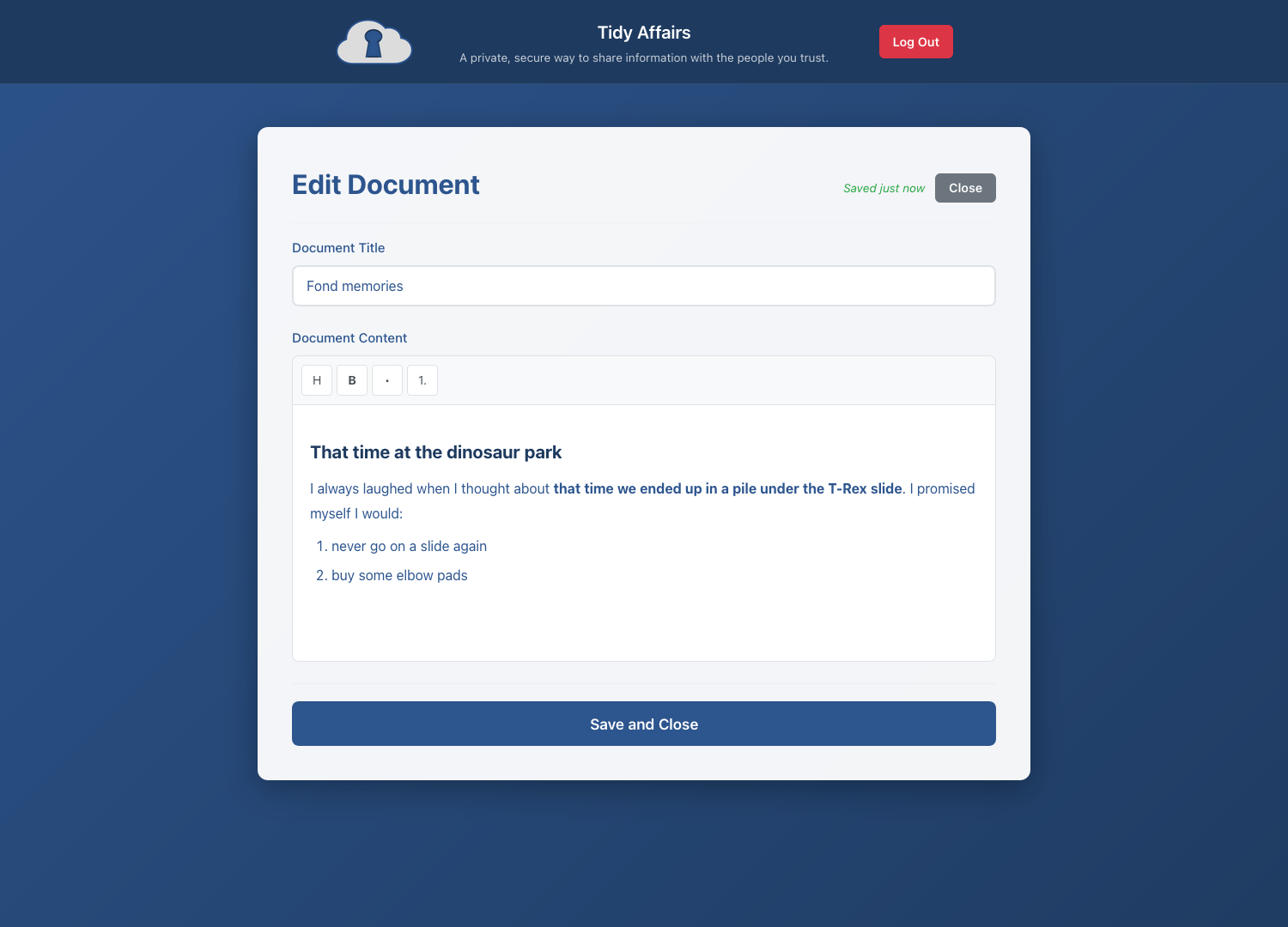
Document editor
Write and format your documents with a clean, distraction-free editor. Add headings, lists, and emphasis to make your information clear and easy to follow.
- Formatting tools for headers, bold, and lists
- Auto-save as you type
- Client-side encryption before storage
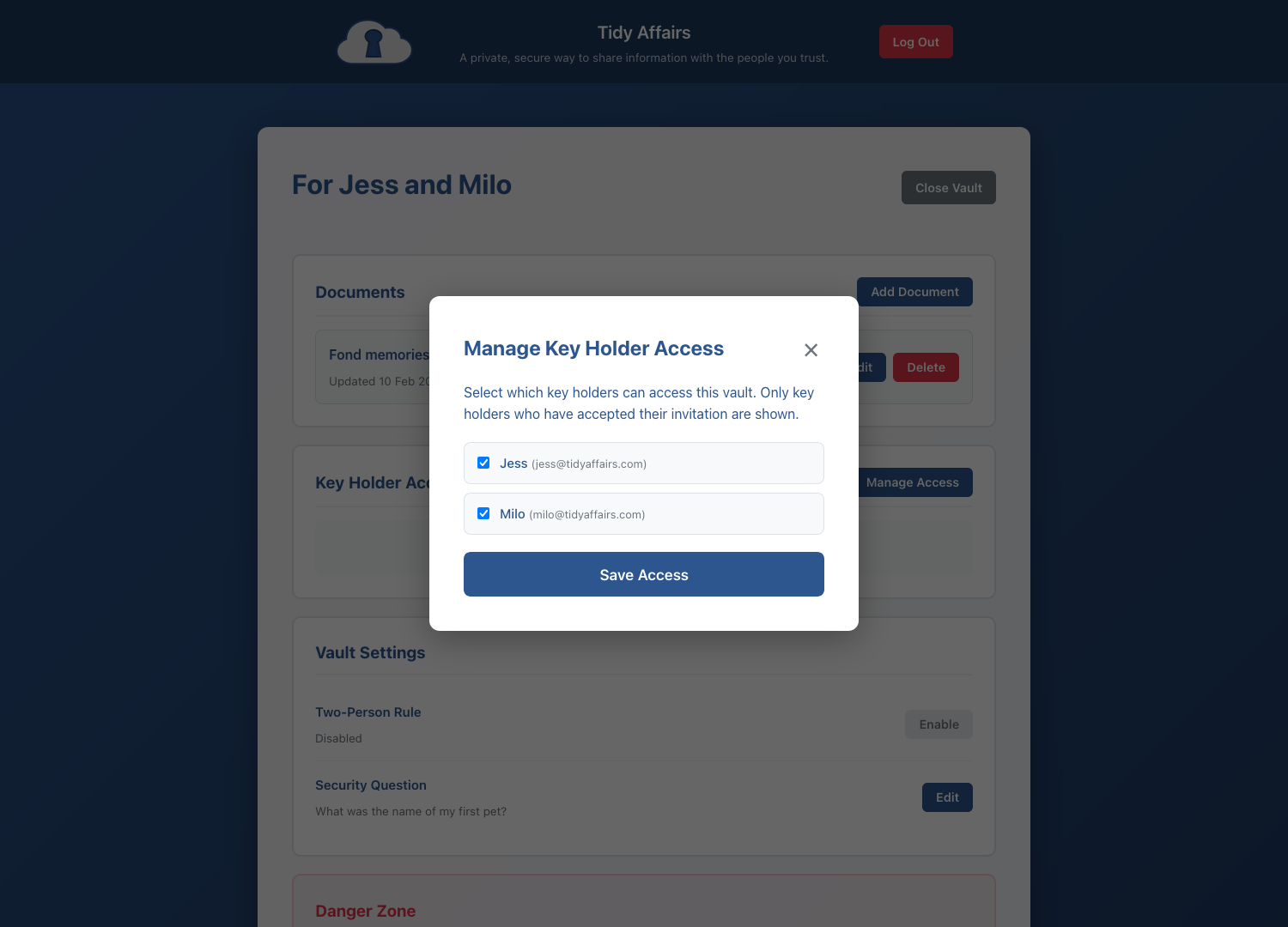
Manage key holders
Add and remove key holders on a per vault basis. Control which vaults each person can access.
- Only key holders who have accepted your invitation can be added to vaults
- Add two or more if you want to use the two-person rule
- Key holders are notified when they are added or removed from a vault
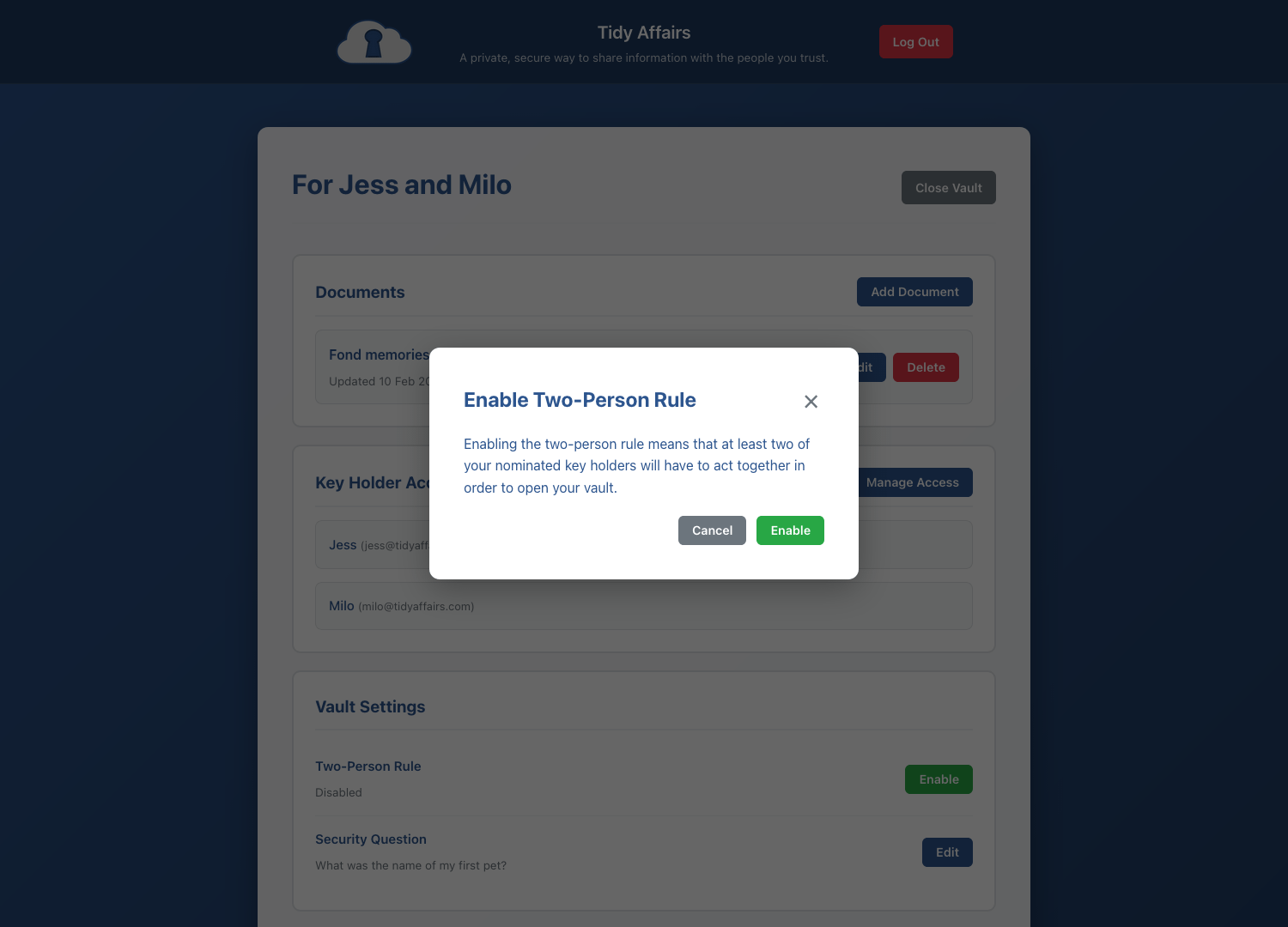
Two-person rule
Our recommended security feature requires two trusted people to act together before a vault can be accessed. No single person can access your information alone.
- Both key holders must verify their identity
- The requesting key holder must answer the security question
- At least one other key holder must approve the collection request
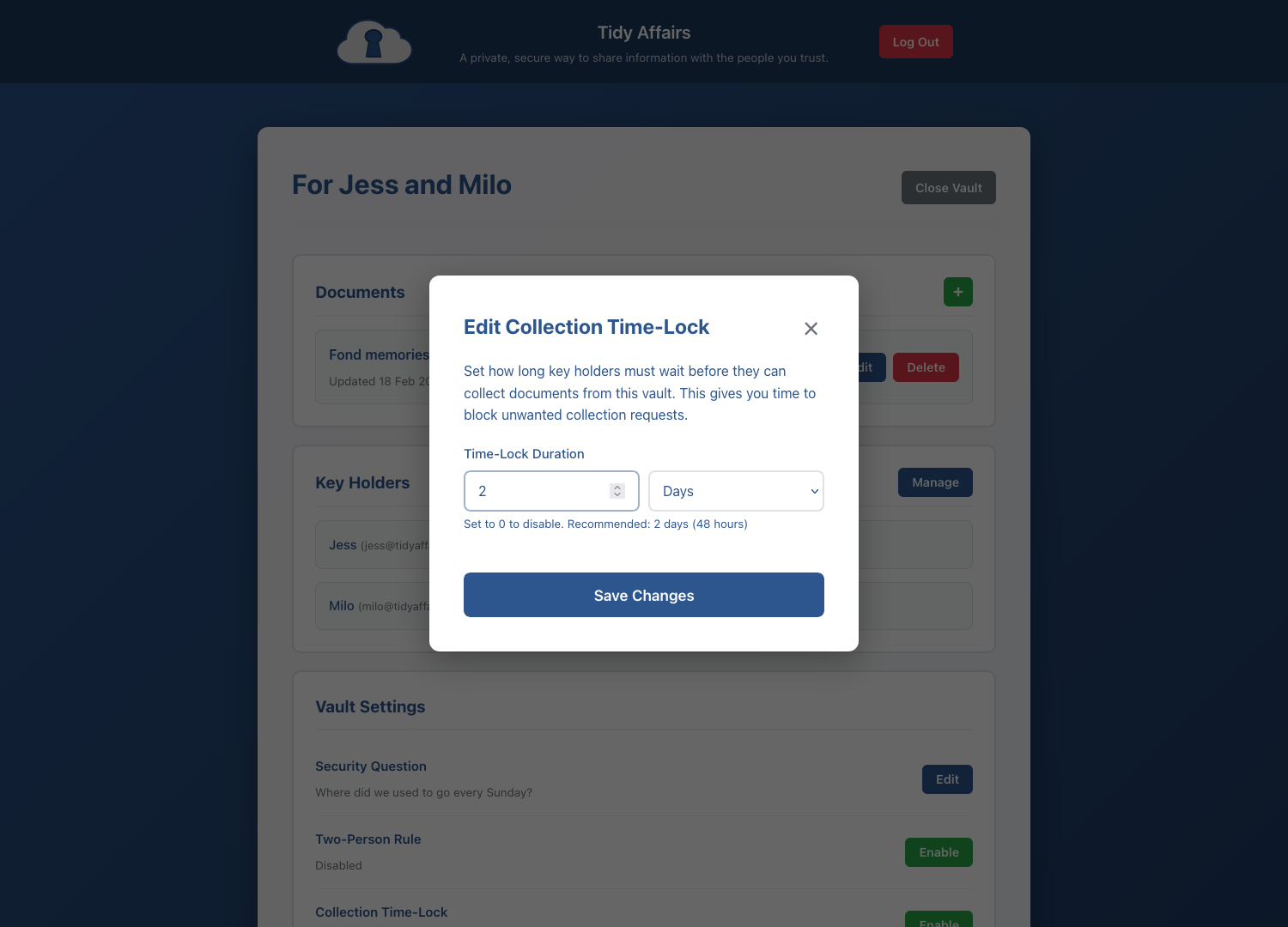
Collection time-lock
Add a configurable delay between when a collection attempt is made and when a vault can actually be opened. This gives you time to intervene if a request is made prematurely or in error.
- Set the delay duration to suit your needs
- Receive an email notification with a one-click link to block the attempt
- Disable the time-lock at any time if you prefer key holders to have immediate access
More features
Additional tools to keep your information secure and your key holders prepared.

Customisable alerts
Choose exactly which notifications you receive: new device logins, collection attempts, and key holder activity.

Security tools
Manage your passkeys, view active sessions and signout sessions, check your last login details, and review your activity log.
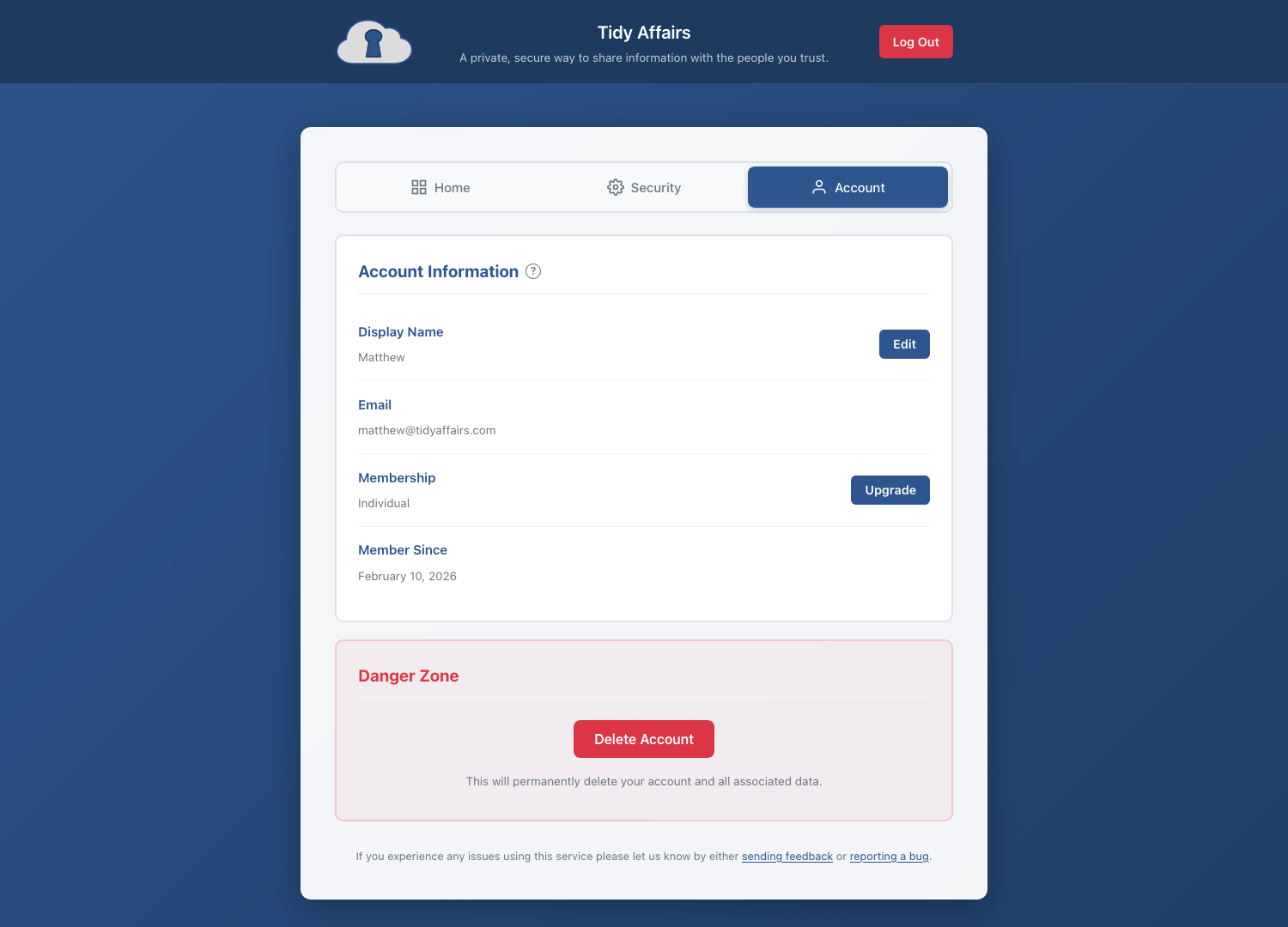
Account management
Update your display name and view your account details. You can easily upgrade or delete your account.